Everything it does
What Bridge Talk does, the 28 ready-made voices, how to record a voice of your own and a look at each pane of the window.
A voice that knows the ship
Bridge Talk follows the game while you play and answers each moment worth a word.
Ready to go
28 voices, British and American, female and male. Cast one and your ship starts talking.
Or a voice of your own
Record yourself, a friend or a whole crew. Bridge Talk makes a folder for every moment, already named.
262 moments
Docking, jumps, supercruise, fuel scooping, overheating, a pirate scanning your cargo, coming under fire and many more.
Knows what matters
An urgent warning cuts straight in. Everyday updates wait their turn and idle chatter gives way.
Never the same line twice running
Where a voice has more than one line for a moment, it picks a different one from last time.
Hear before you choose
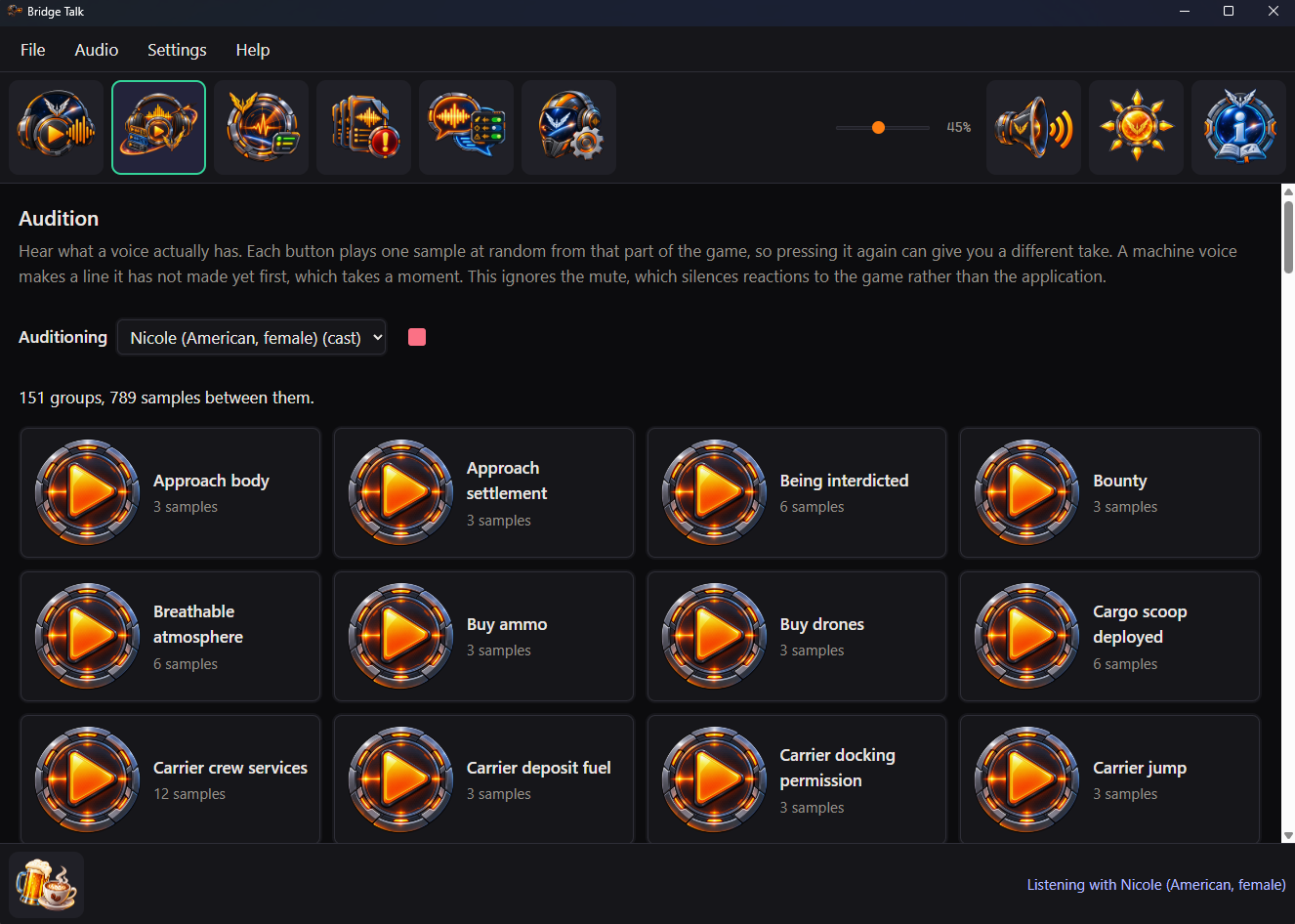
The Audition pane plays any voice, chosen or not, one part of the game at a time.
See what is left to record
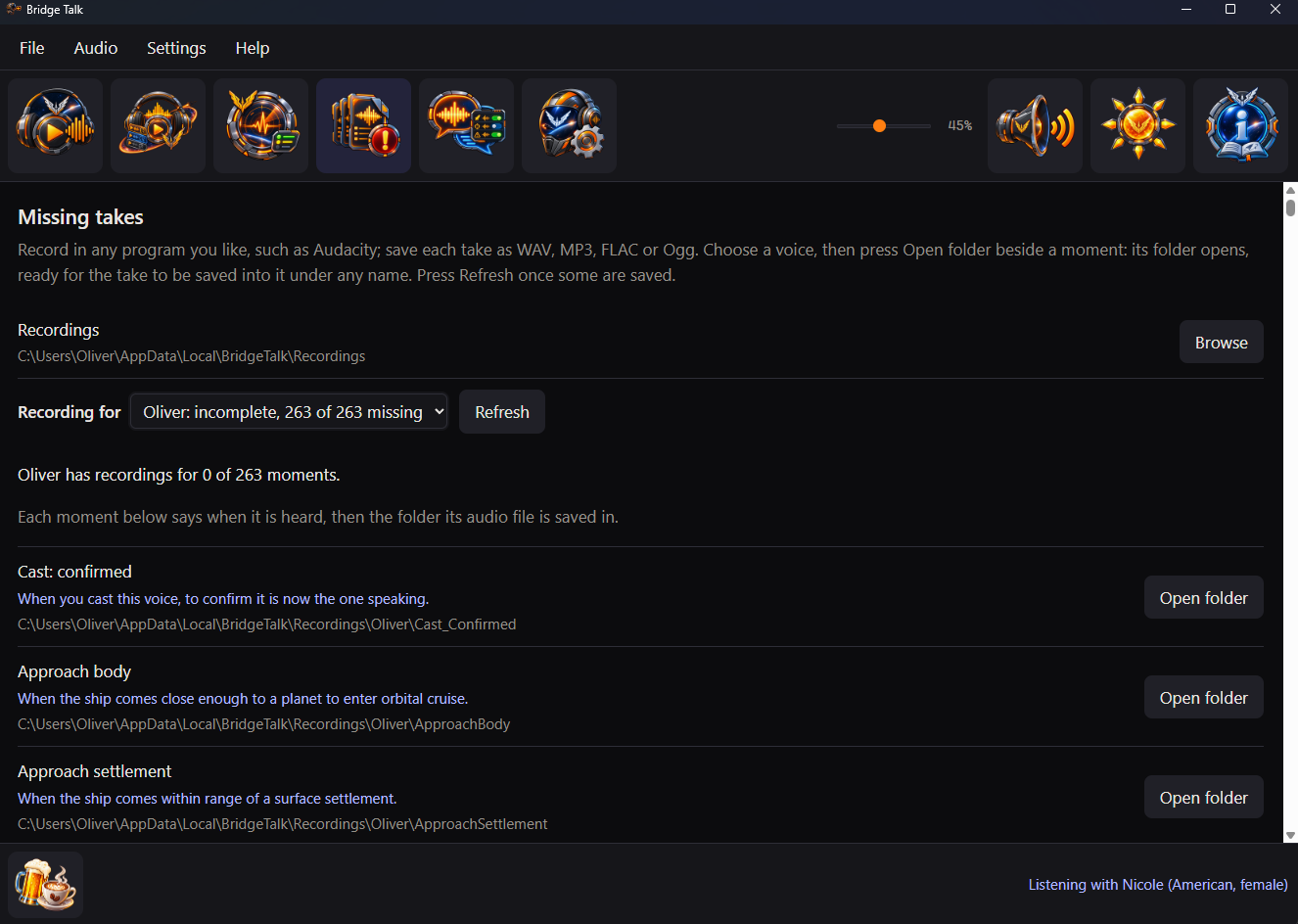
The Missing takes pane lists every moment still waiting for a line, with when you will hear it.
Every silence explained
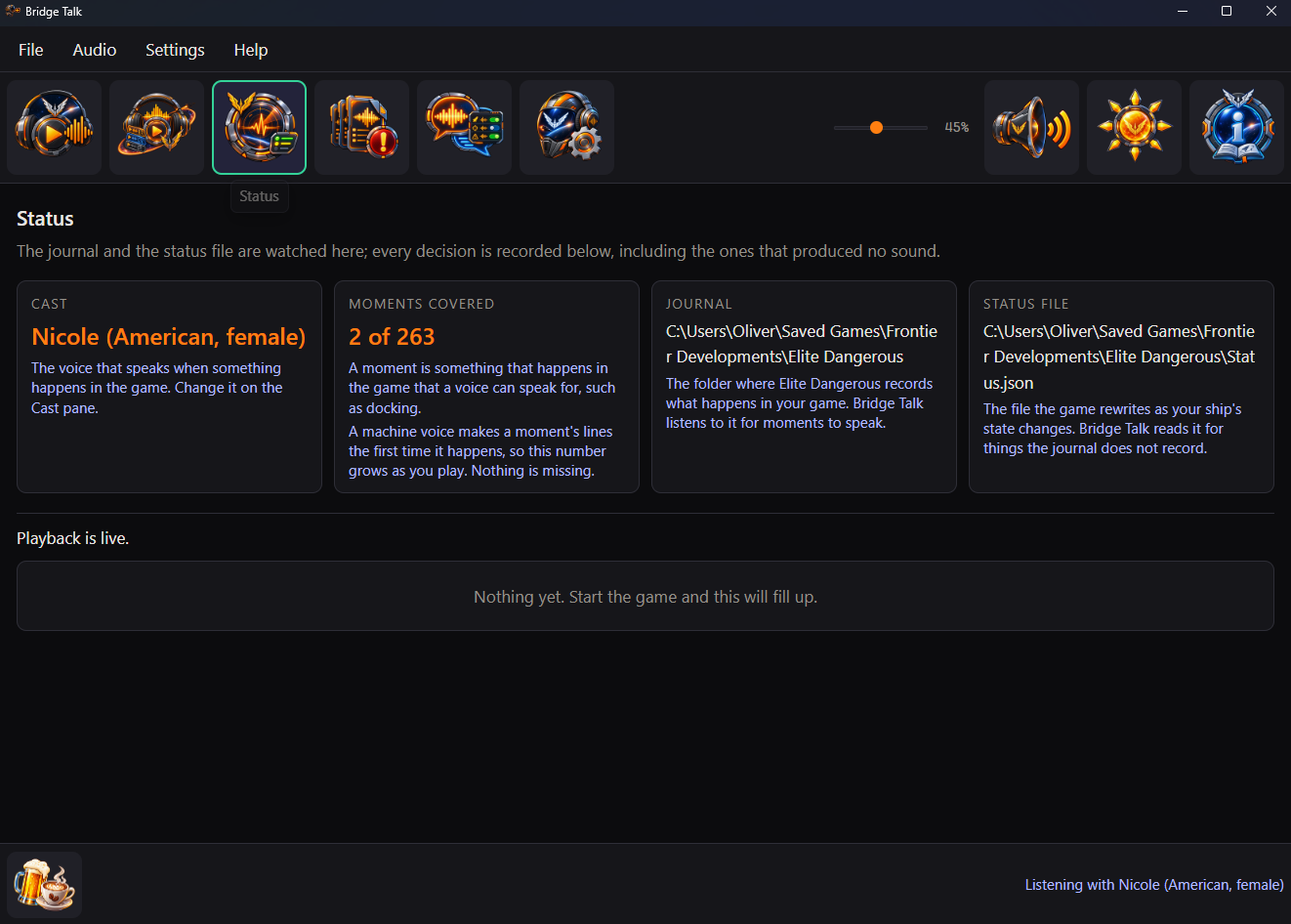
The Status pane shows what was said and why anything was not, so a quiet ship is never a mystery.
Say only what you want
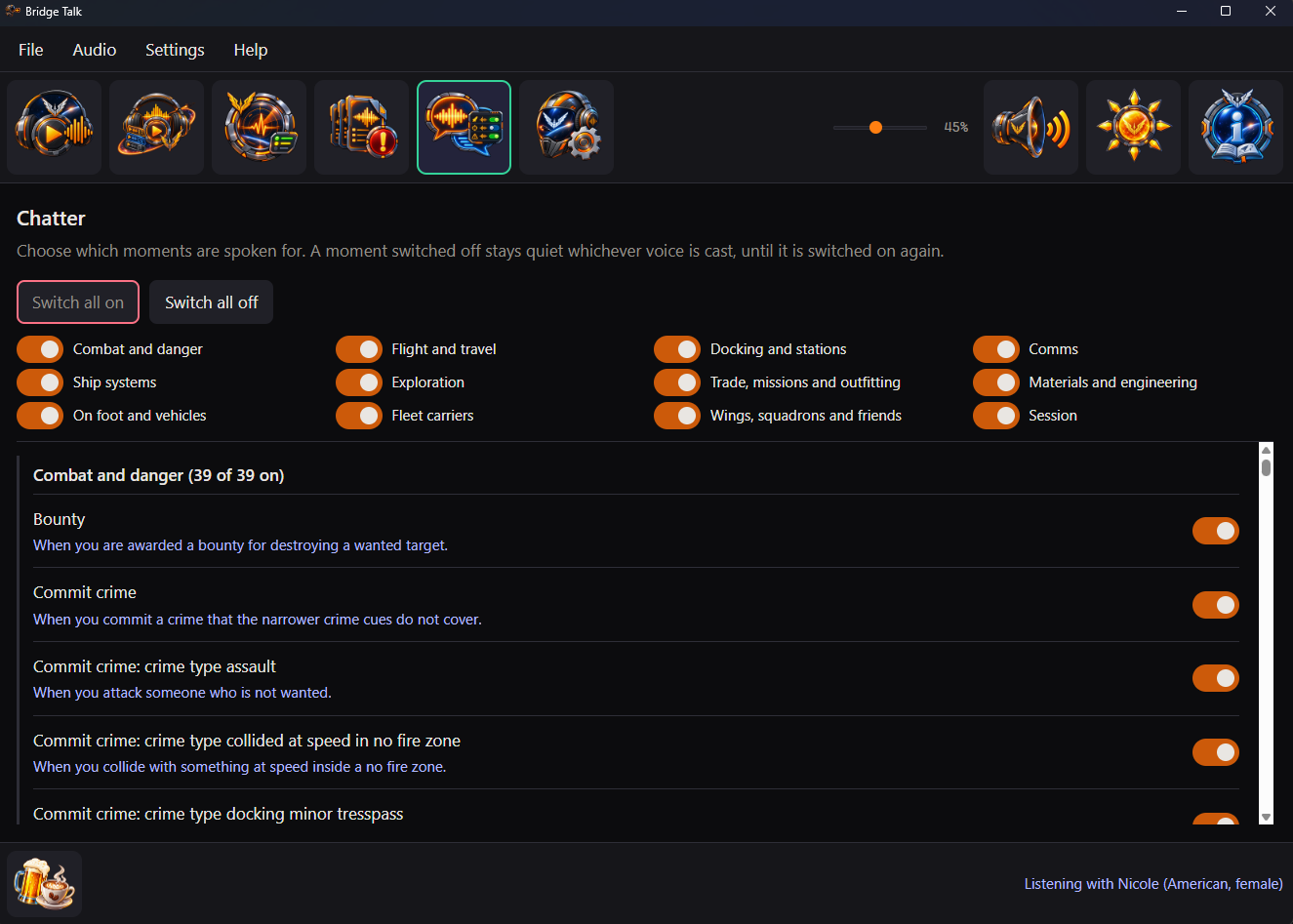
The Chatter pane gives every moment a switch, under twelve categories. Switch one off, a whole category or all of them; station traffic has a switch of its own. Jump straight to a category or fold one away.
Out of the way
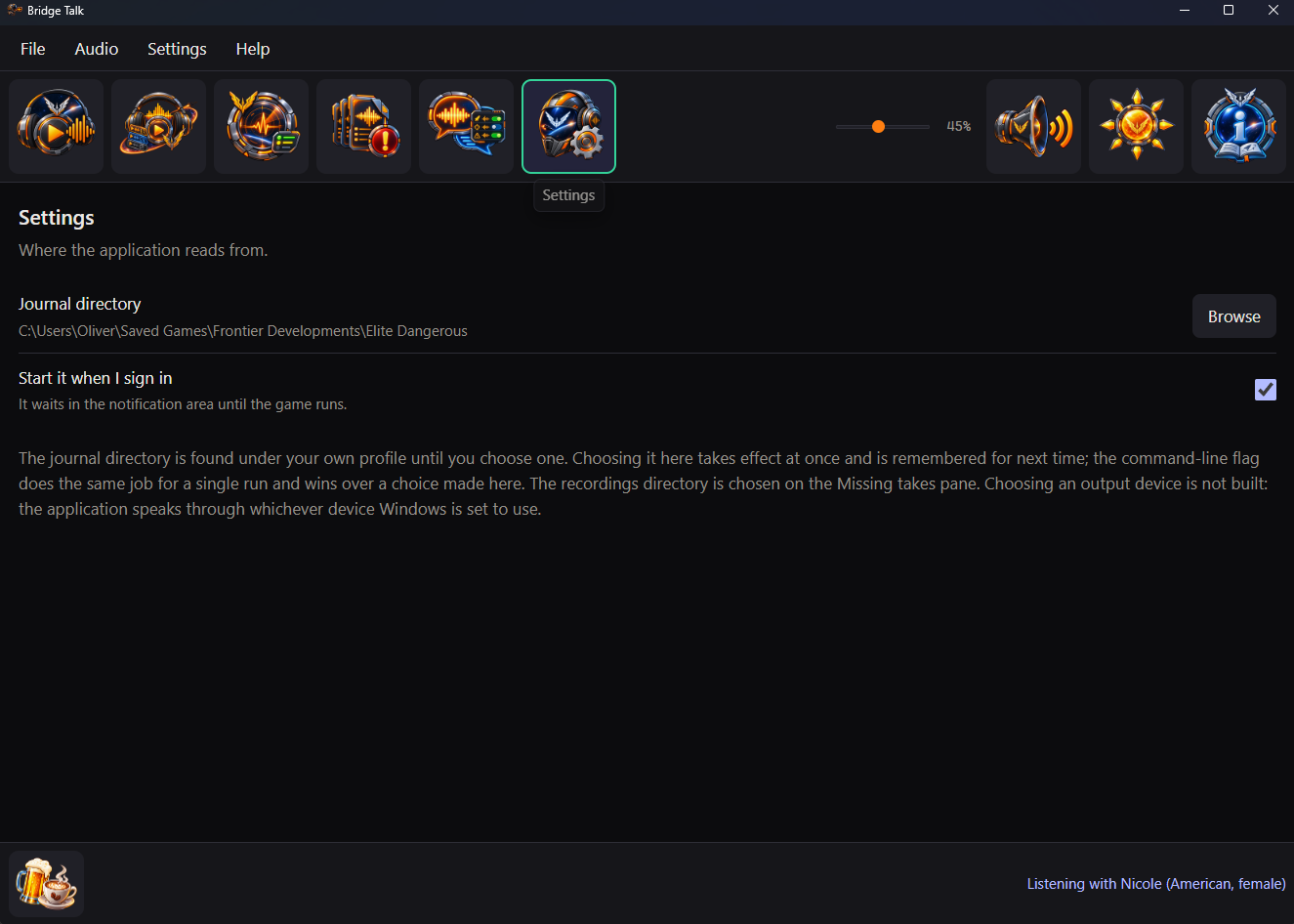
On Windows, put the window away and it keeps talking from the notification area. It can start when you sign in.
Talks, never listens
No microphone and no voice commands. Mute is one press away whenever you want quiet.
Your recordings stay yours
Bridge Talk never changes or removes a recording. Uninstalling leaves every one where it is.
Tells you when there is a newer one
Shortly after it starts and once a day it looks for a newer release; Check for updates on the Help menu asks straight away. When one is out, choose Download, Skip this version or Later.
Nothing about you goes online
Everything happens on your own computer. No account; its one request is an anonymous check for a newer release, which sends nothing about you or your game.
28 voices, ready when you are
No recording needed. Cast any of them and your ship has a voice straight away. Each one is made on your own computer, so making one never goes online.
British, female
- Alice
- Emma
- Isabella
- Lily
British, male
- Daniel
- Fable
- George
- Lewis
American, female
- Alloy
- Aoede
- Bella
- Heart
- Jessica
- Kore
- Nicole
- Nova
- River
- Sarah
- Sky
American, male
- Adam
- Echo
- Eric
- Fenrir
- Liam
- Michael
- Onyx
- Puck
- Santa
Not sure which? Listen to any of them on the Audition pane before you choose.
A folder for every moment
You never have to type a moment's name. Bridge Talk makes the folders for you; you fill them.
- Name your voiceType a name on the Cast pane and press Make folders.
- Record a lineUse any recording program you like, such as Audacity, which is free.
- Drop it inSave it in the folder for its moment. A folder can hold several takes.
- Press RefreshYour voice appears on the Cast pane, ready to cast.
A pane for each job
Cast, Audition, Chatter, Missing takes, Status and Settings sit along the top of the window, with the guide at its far end.