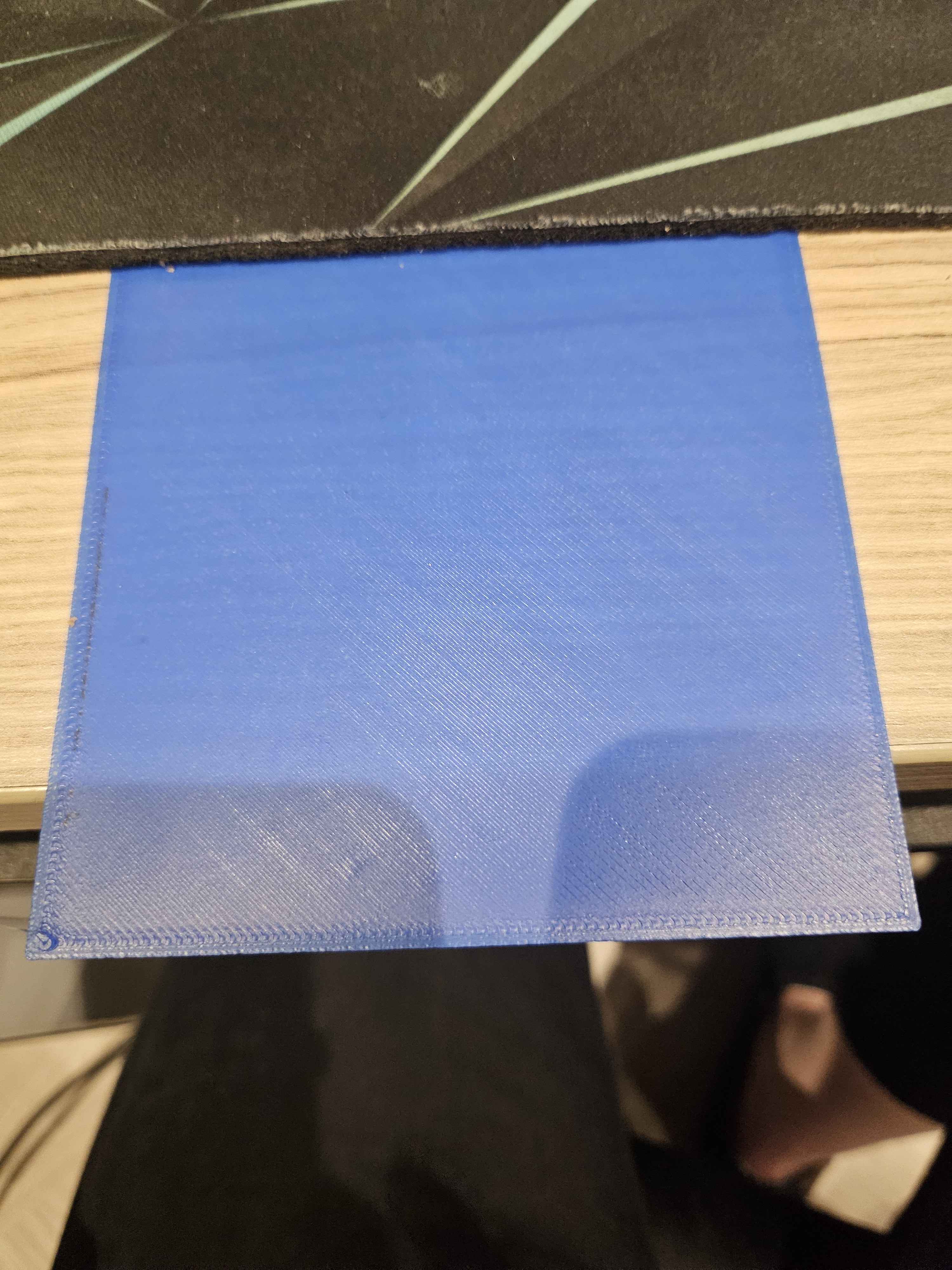
If you want to level then (assuming Orca slicer here; adjust for your slicer of choice)...
Right click on the build plate and create a primitive cube (NOT a voron cube).
Choose the scale option at the top of Orca and untick uniform scale.
Scale x and y to 300%
Set the z height to 0.2mm
Slice and PRINT!
Now, while it is printing, live adjust z on your printer or through mainsail/fluidd up or down by small adjustments at a time until you have a perfect first layer.
Refer to the picture to see what it should look like.
Continue to reprint and live adjust until you have a perfect square.
Now, you can print normally as you have levelled correctly.